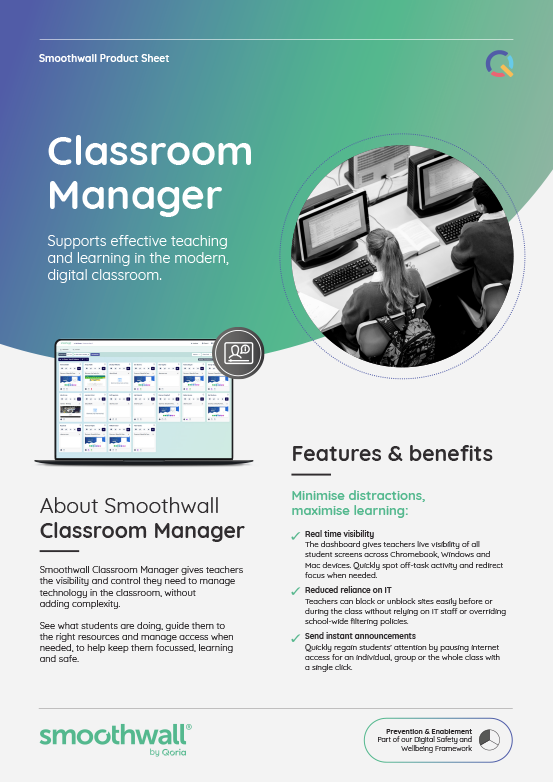
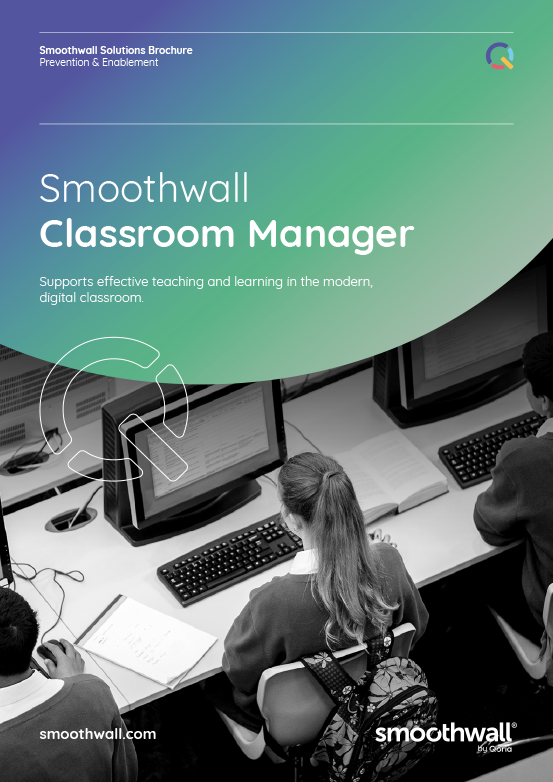
Smoothwall Classroom Manager

Supports effective teaching and learning in the modern, digital classroom.

Smoothwall Classroom Manager - Highlights

Enables powerful, digital learning experiences for every class
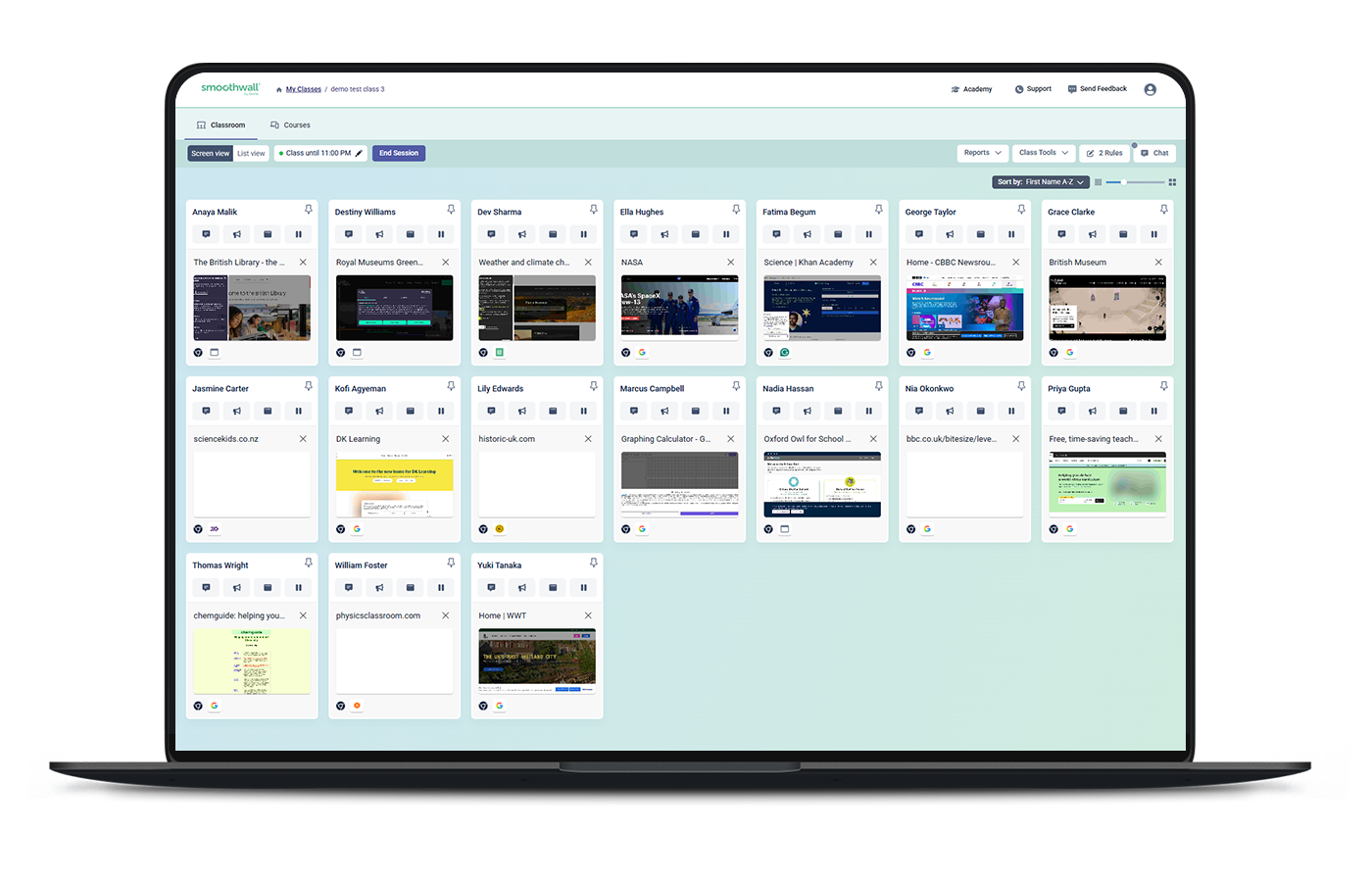
Gives teachers real-time visibility and control over students' online activities in class.

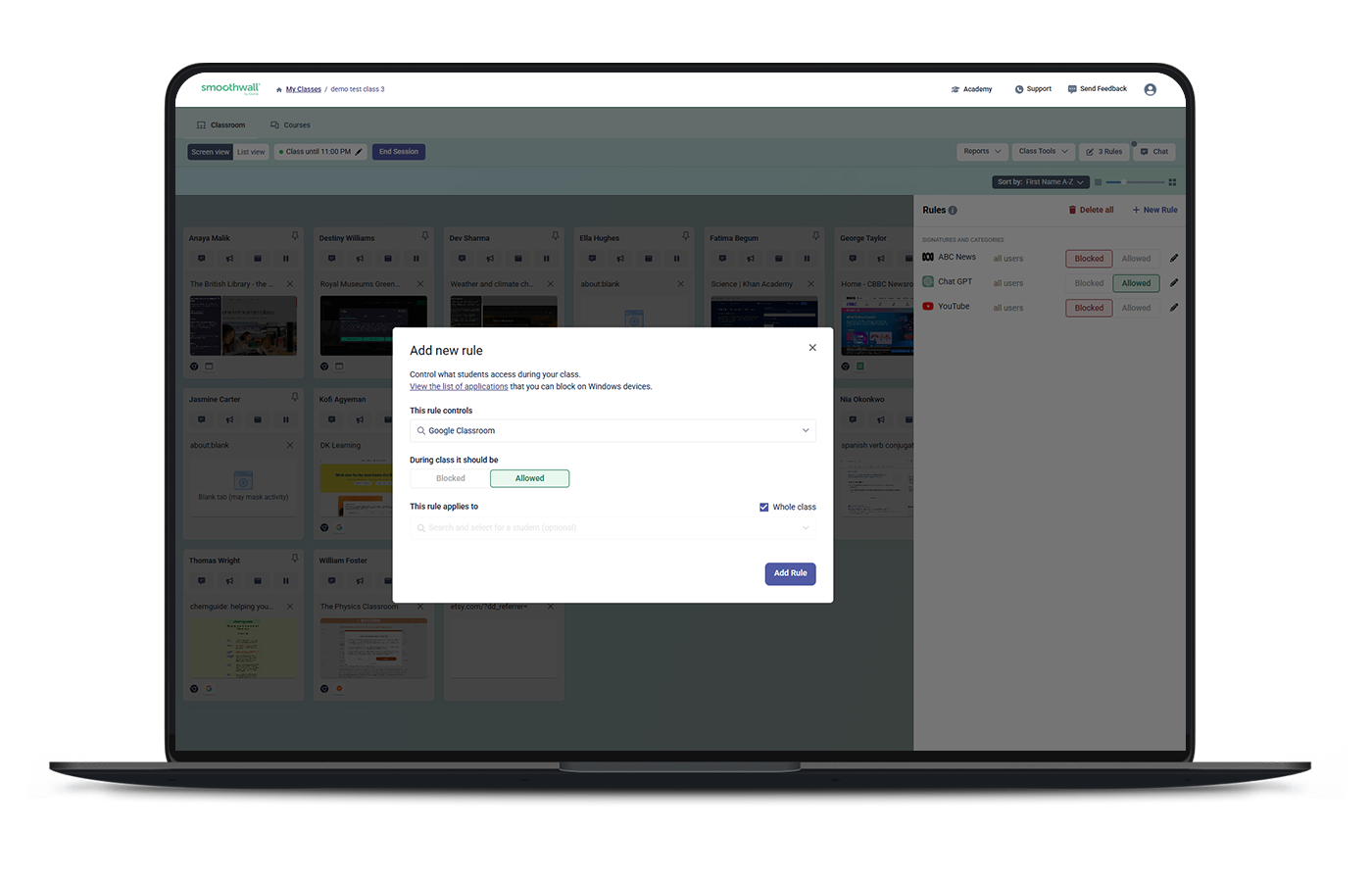
Reduced reliance on IT
Teachers can block or unblock sites easily before or during the class without relying on IT staff or overriding school-wide filtering policies.

Keeps students focused and on-task
Teachers can pre-plan online access, and see if students go off track.

Full device and OS support
Includes managed BYOD for Chrome, Windows and MacOS.

Key benefits

Minimise distractions, maximise learning: 

Real-time visibility

The dashboard gives teachers live visibility of all student screens across Chromebook, Windows and Mac devices. Quickly spot off-task activity and redirect focus when needed.

Close inappropriate tabs

Quickly close distracting or inappropriate tabs to get students back on task.

Instant announcements

Send instant on-screen announcements to the whole class or an individual, to help keep learning on track without disrupting the lesson./p>

US_LWZ_2026_Classroom-Manager-laptop-mockupsOverview---Dashboard-1

Keep students focused:

US_LWZ_2026_Classroom-Manager-laptop-mockupsOverview---Dashboard-Block-Allow

Create lesson plans

Focus students on lesson-related content by creating lesson plans and pre-selecting the specific apps or sites they need.

Pause online access

Quickly regain students’ attention by pausing online access for an individual, group or the whole class with a single click.

Launch breakout sessions

Create classroom sessions on the fly for breakout groups, independent work, exams, studying, and more.


Give teachers control and flexibility:

Adapt access for the lesson

Give teachers the flexibility to manage access to the websites and resources students need, depending on the topic, activity or lesson taking place.

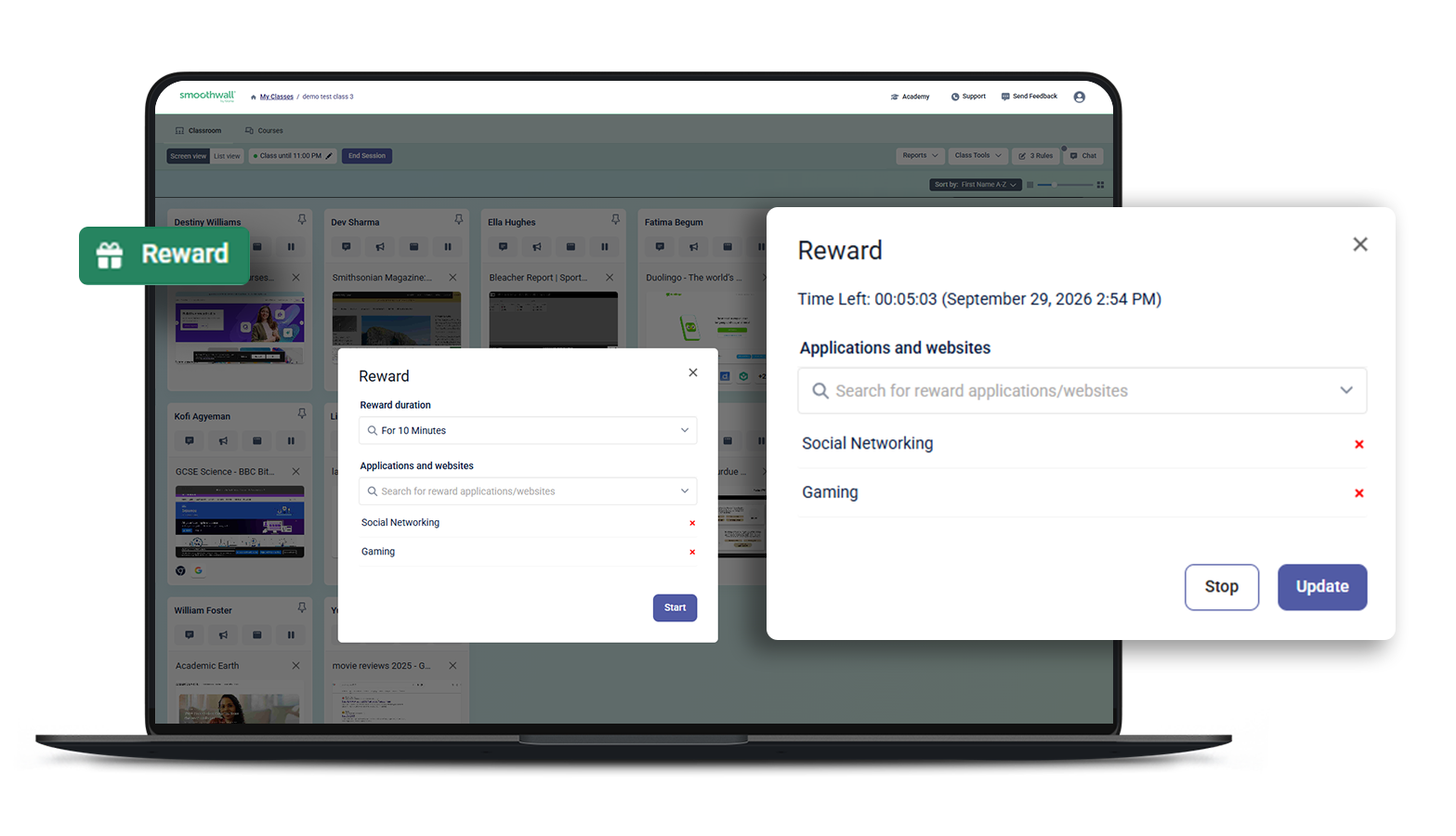
Reward positive behaviour

Recognise positive classroom behaviour by rewarding students with temporary access to content such as games or streaming sites.

Understand student activity

Gain insight into students’ online behaviour in the classroom. View screenshots of activity, generate detailed history reports, and spot trends over time.

Overview - Dashboard-Rewards

What our customers say

Video case studies:

Testimonials:

US-District-School-SQ-logo-mount horeb area school district

Will Brueggeman

Technology Coordinator

Our classroom management tool has been a huge success in our classrooms. Teachers can be more proactive and control what students are doing on their Chromebooks. It has been a huge win for us.

Mount Horeb Area School District

NZ-schoollogos-greybg-Gleneden_School

Vanessa Silvester

Deputy Principal

Classroom Manager has certainly been helping in terms of distractions in the classroom. I know when they’re online they can only be on specific sites that I have allowed them to be on. I can open and close those sites quite easily and send messages to the children and see when they are off task.

Netherton School
NZ-schoollogos-greybg-Wellesley-College

Brendan Pitman

Principal

Classroom Manager offered another level of security for our students and safety options for our staff. It was almost big brother like and meant we could see what our students were doing and monitor their activity. Classroom Manager made a massive difference with our kids' learning.

Hikutaia School
Further reading

smw-classrommmanager-thumbnail2 Download PDF

Solution brochure

Classroom Manager

smw-classrommmanager--PSthumbnail Download PDF

Whitepaper

Student Digital Wellbeing in a Post-Pandemic Era

UK_SMW_site_brochure_thumbnails-Filter Download PDF

Solution brochure

Smoothwall Filter

Let's connect

Talk to usicon_webinar

Talk to an expert or book a demo. Our Digital Wellbeing experts are waiting to help.

Contact us

Stay in touchicon_newsletter

Sign up for our newsletter to get all the latest product information. 

Subscribe